Push-ups
Drop and give me however many. Your body wakes before your brain can argue.
A squishy little ghost with one job: get you out of bed. No snooze, no mercy, all charm.
 FREE TO DOWNLOAD
By Tengen Labs · iPhone, iOS 26+ · Free to download · 7-day trial, then Pro.

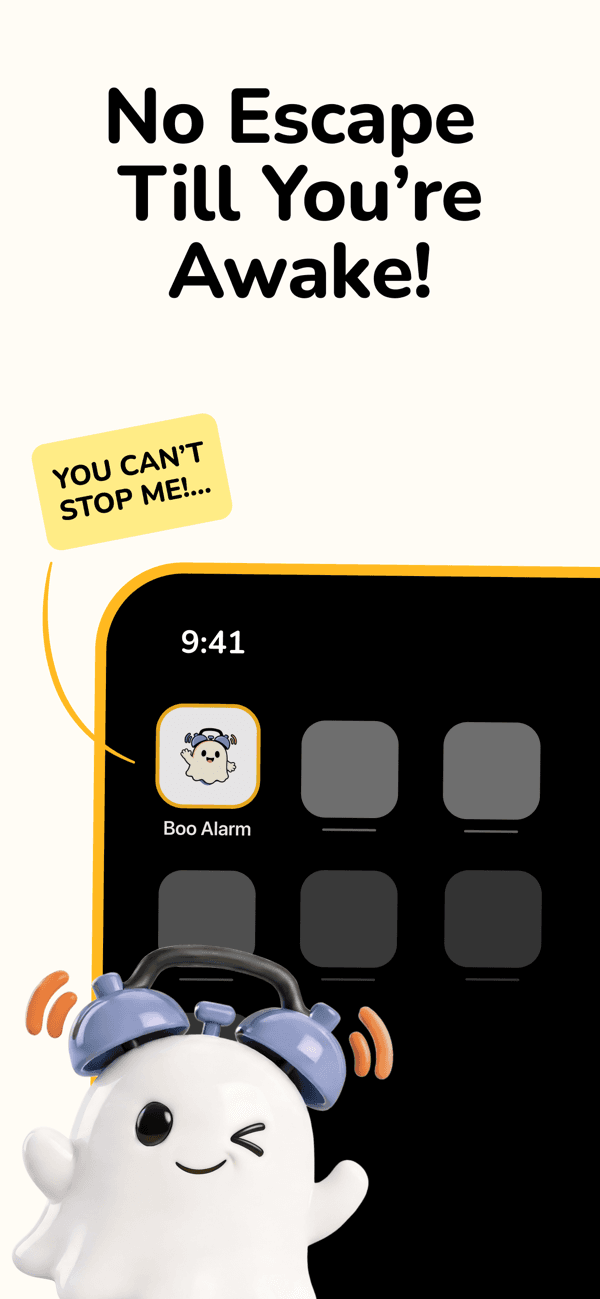
You set the alarm with the best intentions. Then it rings, and you tap snooze — just once. Forty-five minutes later you're awake anyway: rushing, behind, annoyed at yourself before the day has even started. Snooze isn't rest. It's the same small defeat on repeat.
I'm the alarm that doesn't give you that button.
Set a time, pick your missions, and Boo won't quit until you've done them.
Drop and give me however many. Your body wakes before your brain can argue.
A few squats and the negotiation is over.
Get to a window. Point the camera up. Daylight does the rest.
One done task before you're fully awake. The day starts won.
I pick it. You go find it. No going back to bed mid-hunt.
Outside. On your feet. Touch grass, literally.
They're up. Now so are you.
Stack up to four. Boo walks you through them one at a time.
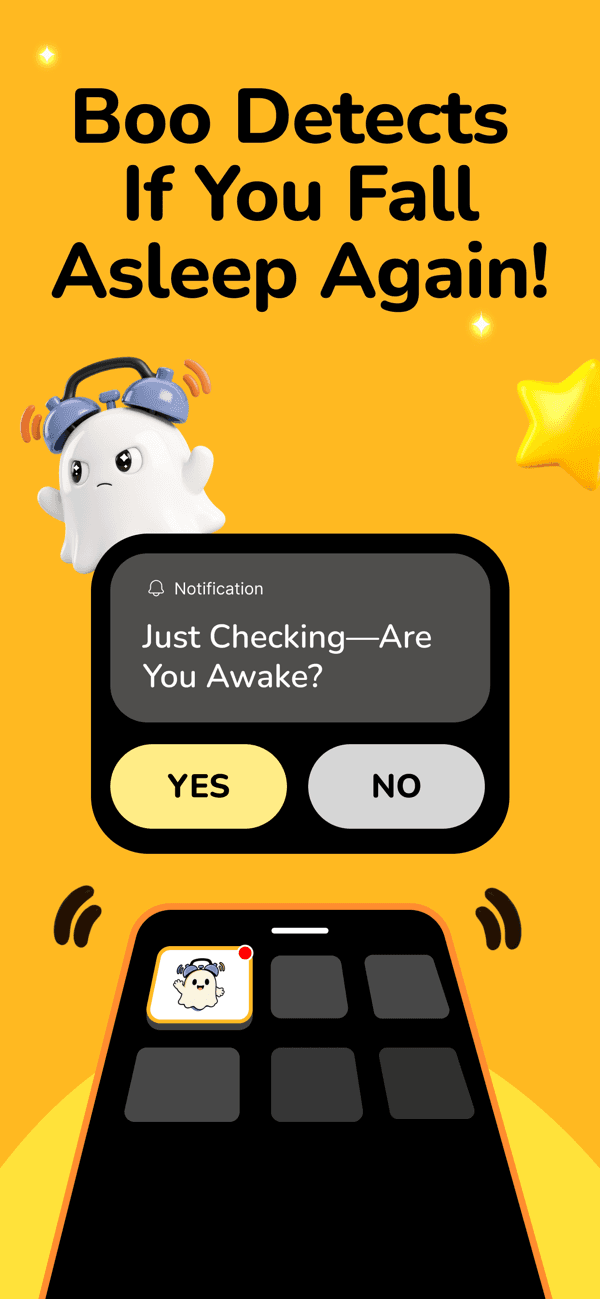
Finishing the mission isn't the finish line. Fifteen minutes later, Boo checks back in — because plenty of people climb right back under the covers the second the alarm goes quiet. If you did, Boo isn't done with you yet.
Staying awake is the whole point. Boo makes sure you do.
There is no snooze button to tap. You finish a mission or the alarm keeps going.
Every clean wake-up builds a streak. You will not want to be the one who breaks it.
Fifteen minutes after you finish, Boo checks you're still up. Because some of you go straight back to bed. I've seen it.
Response time, wake consistency, full history — your habits in plain stats.
Forty-plus alarm tones across five categories. Find the one you can't ignore.
Boo Alarm is free to download and starts with a 7-day free trial. After the trial, Boo Alarm Pro — an auto-renewing subscription through the App Store ($9.99/month or $29.99/year) — is required to set alarms and use missions. Cancel anytime in your Apple Account settings.
No. There's no sign-up, no login, no account. Everything lives on your device. Camera missions run on-device and nothing syncs to a server.
iPhone, iOS 26 or later. Android isn't out yet — join the waitlist and you'll hear first.
Correct. There is no snooze button. The alarm stops when the mission is done, not before.
Push-ups, squats, photographing the sky, making your bed, finding a random object Boo picks, photographing grass or your pet. Stack up to four and Boo walks you through them one at a time.
Free to download, with a 7-day trial. Your snooze button's days are numbered.

Scan to install on your iPhone